Start with observations, not a shopping cart
A spinning progress indicator does not tell you which part of a cloud workflow is waiting. Our suggested troubleshooting method is to record what you can observe before changing equipment: whether the request starts, whether an upload finishes, and whether other online activities are also affected.
Use a short, non-sensitive text request for the comparison. Avoid a large media file or a long research task, which would introduce more differences. Check the AI service’s own status page and support guidance as well; a home-network change cannot address every kind of delay.
Source: eero: What is the network health check feature? ↗ · eero: Is there a monthly fee to use eero? ↗ · eero: eero 6+ product and pack options ↗
Change one thing at a time
Try the same modest task from your usual seat and then nearer your existing router, without changing the device or switching models. Note the time and whether the behavior repeats. This is a proposed diagnostic exercise, not a speed test we performed or proof of a particular cause.
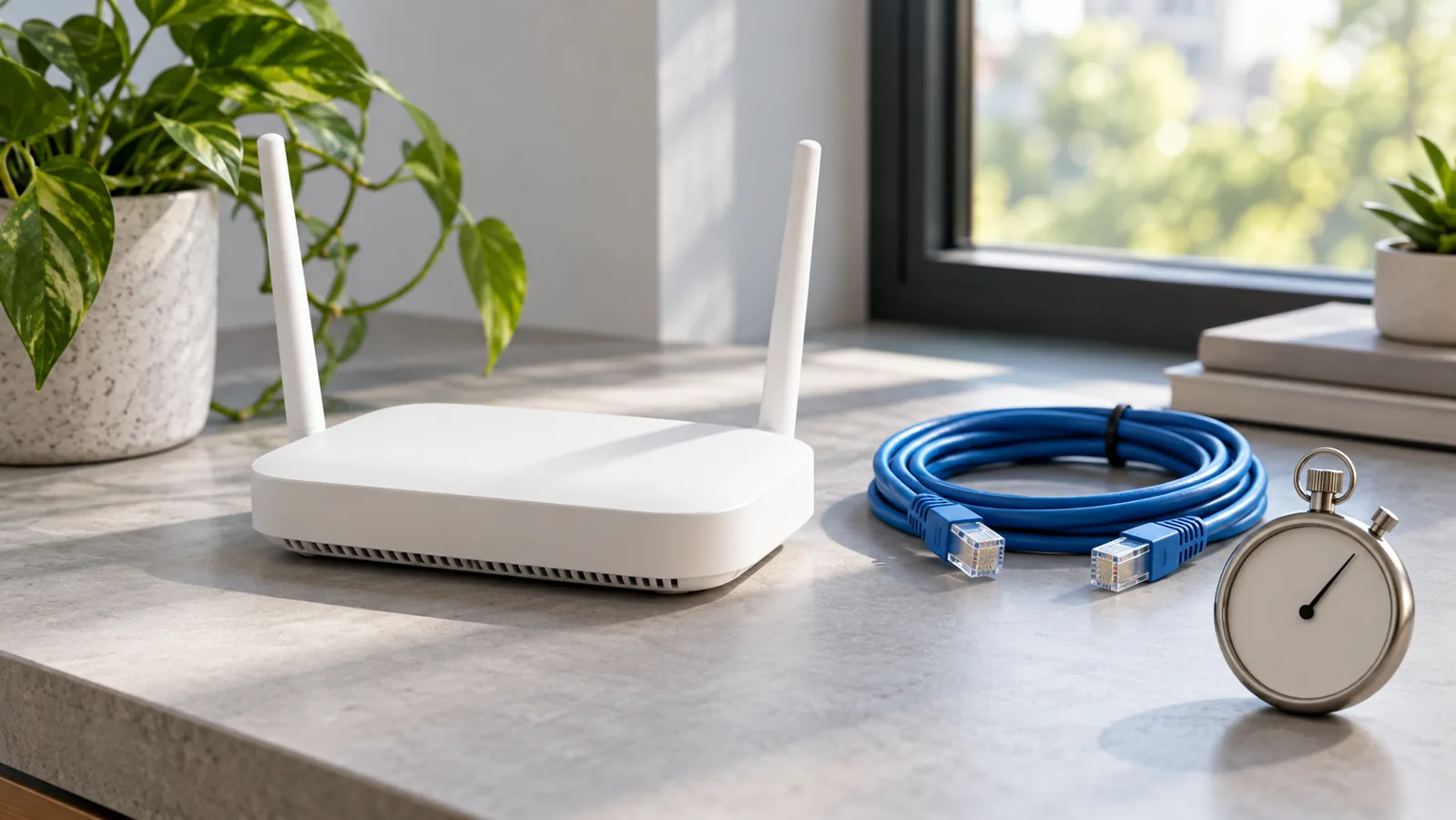
If you already own suitable equipment, a wired comparison may provide another observation. Use your router’s normal support instructions rather than changing security settings or resetting the household network just to see what happens.
If a genuine coverage issue eventually calls for a replacement, the eero 6+ two-pack (affiliate link) is one optional mesh-system example, not a guaranteed fix. Eero says basic use does not require its optional Plus subscription, but you still need ISP service and the appropriate modem or ONT; start with your current equipment before spending.
As an Amazon Associate I earn from qualifying purchases. This optional recommendation is not a claim of hands-on testing.
Turn the pattern into a useful support question
Write a compact account of what happened: the device, approximate location, task, time, and whether other services were affected. A repeatable pattern is more useful to support than saying the AI feels slow.
For existing eero owners, the company documents a network health check in its app’s troubleshooting section. Other router owners can look for the corresponding manufacturer guidance. Do not assume a clean network check proves the AI service is at fault; it is one piece of evidence.
Stop once you have enough observations to choose a sensible next step. The goal is to reduce uncertainty, not spend the afternoon repeatedly refreshing a page.
Try this, then make it yours.
Record one small request from two locations using the same device and settings, then write down what changed and what did not.
Explore the tool ↗Follow the signal.
Our reporting starts here. Practical suggestions are our analysis, and vendor performance statements are claims unless independently verified. We haven’t hands-on tested this release.
- eero: What is the network health check feature? ↗
- eero: Is there a monthly fee to use eero? ↗
- eero: eero 6+ product and pack options ↗