The announcement and the access limit
Google DeepMind announced Genie 4 on October 27 as a real-time world model that generates sound alongside its visual environment. Its announcement describes ambient audio, music-like sounds, and interactive dialogue. It also describes text-based scene changes and acknowledges continuing limits in audio accuracy, spatial accuracy, object permanence, and long-term consistency.
Access matters when interpreting demonstrations. DeepMind says the model is a research preview for trusted testers, with broader availability coming later through specified Google products and early-access partners. We have not used Genie 4. This article offers a review method for public demonstrations or future authorized access, not a hands-on verdict.
Our interpretation is that audio makes world generation more interesting and more demanding to assess. A visual scene can suggest a busy station; a soundscape can make it feel inhabited. But a convincing feeling does not establish that events follow consistent rules. The same immersive layer that adds creative possibility can also distract a reviewer from mismatched causes.
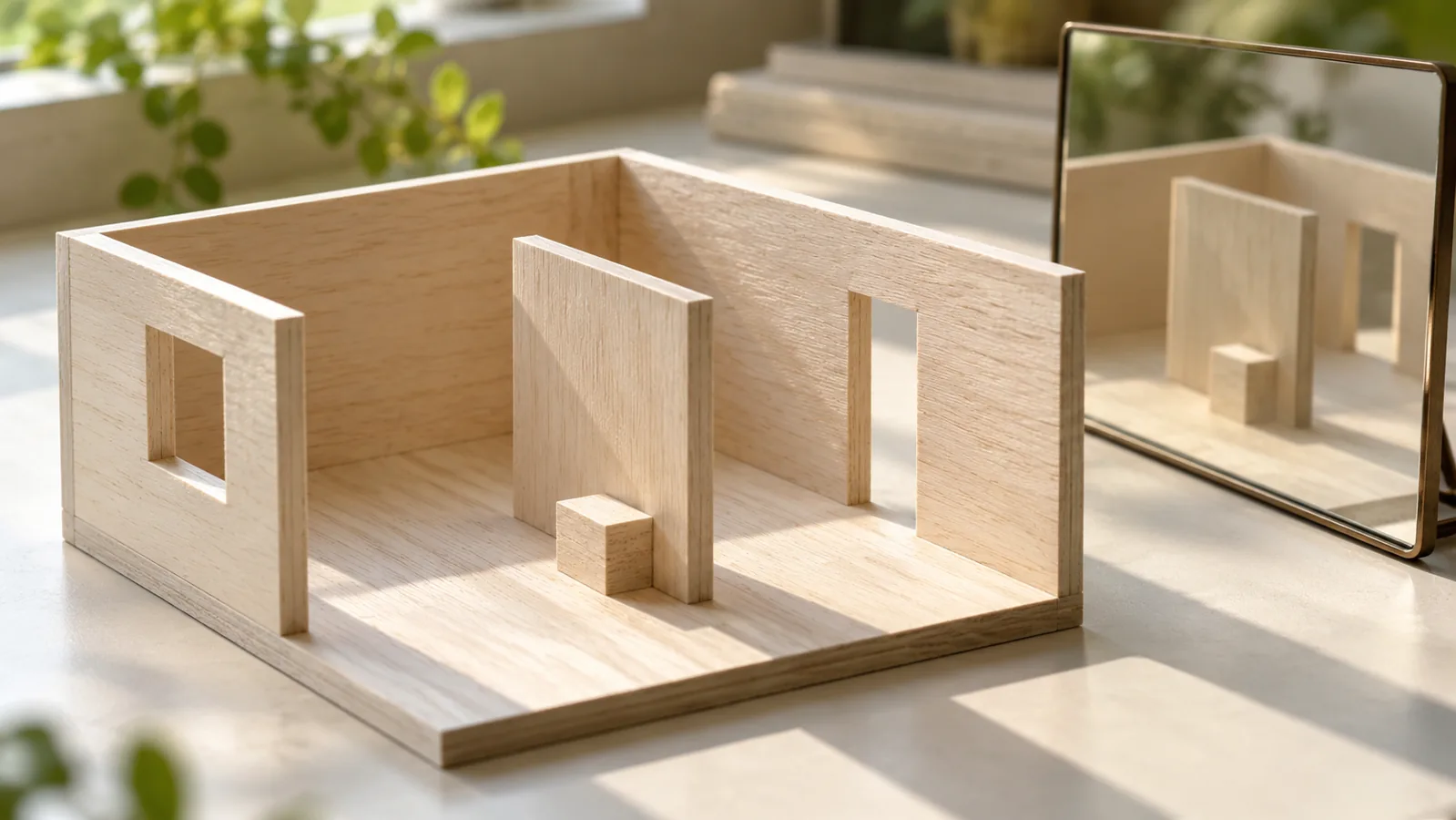
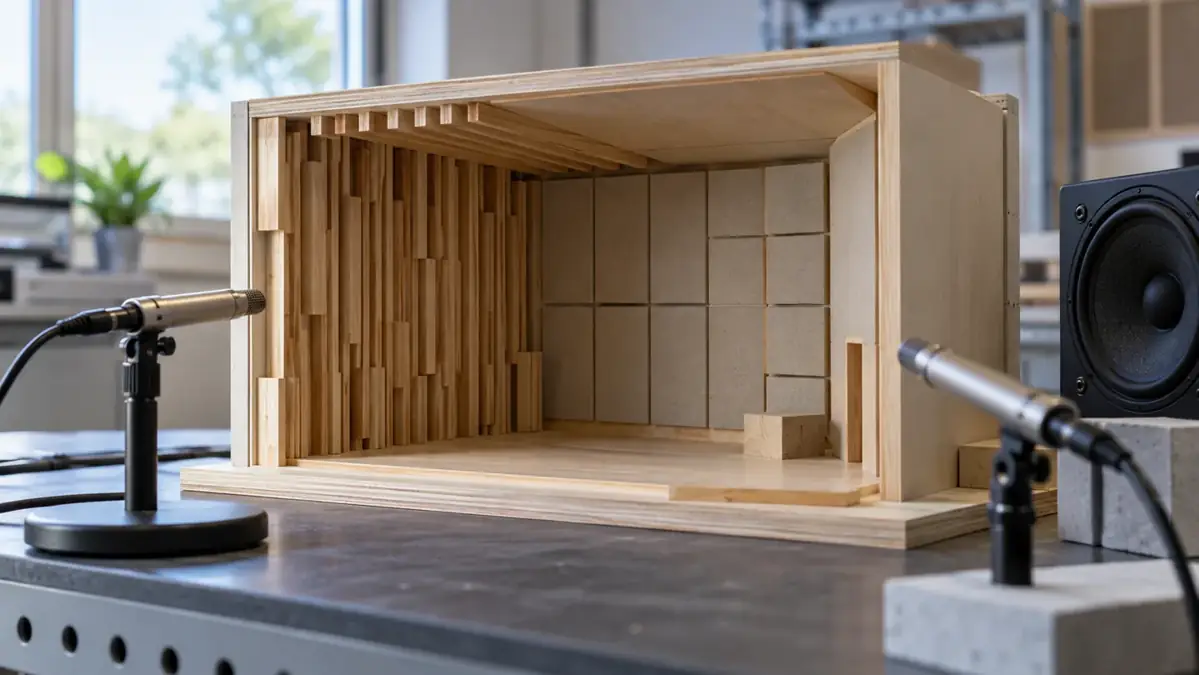
The exercise below uses a fictional empty workshop with a door, a rolling ball, and a portable fan. It is deliberately simple. You can apply the method to an ordinary video you own or a scene you make manually, so you do not need preview access to learn the reviewing habit.
Treat each proposed observation as a question. No failure described here is a finding about Genie 4, and no suggested test should be read as a benchmark result.
Source: Google DeepMind: Genie 4 announcement, preview access and limitations ↗ · Edifier: T5s official product documentation ↗ · Edifier: T5s model EDF100100 quick-start guide ↗
Write the scene contract first; watch once with the sound off
Before generating anything, describe the few things that must remain true. The workshop has one door on the left, a hard floor, a ball resting on a table, and a fan that begins switched off. You are defining a creative brief, not a physical simulator specification. Keep the first version narrow enough that a viewer can follow it.
Choose an event sequence. The door opens, the ball is nudged onto the floor, the fan starts, and the camera moves toward the doorway. For each event, write the expected visible change and the sound you intend. Leave room for artistic interpretation where exact physical behavior is not the point.
Then decide which details are negotiable. Wall color might be flexible; the number of doors might not be. A fan's tone could vary; a loud fan sound before any fan is active would deserve investigation. Without this distinction, you may spend the review criticizing harmless variation while missing a broken story.
A scene contract is also a way to work with collaborators. A sound editor and a visual designer can agree on what the audience needs to understand before discussing style. The contract need not forbid surprises. It simply distinguishes a welcome surprise from an accidental contradiction.
Save the contract with the clip or prompt record. If you revise it later, preserve the earlier version. That prevents a common evaluation mistake: changing the intended scene after seeing an attractive result and then calling the result a perfect match.
Start the review visually. Keep the audio muted and watch the entire short sequence without pausing. Write a plain account of what appeared to happen. Do not describe what the prompt said should happen. A mismatch between intended and perceived action is already useful evidence for the creative team.
On a second pass, track a few stable anchors. In the workshop example, note where the door is, whether the fan stays in the same place, and whether the ball remains visible or plausibly occluded. A simple tally is enough. You are looking for continuity, not attempting a complete inventory of every pixel.
Pause at transitions where something enters or leaves the frame. If the camera turns away and returns, compare the scene before and after. Record the time where a detail changes and describe the change without assuming why it occurred. Saying that a second door appears is more useful than saying the model became confused.
Avoid making the clip longer just to find an error. Review the duration relevant to your proposed use. A ten-second visual concept and a sustained interactive experience require different evidence. The goal is to understand fitness for the project, not to win an argument about the entire technology.
Finally, ask another person to summarize the muted scene without giving them the contract. Their account may expose ambiguity you have stopped noticing because you know the intended story. That is a valuable creative finding even when every individual frame looks polished.
Listen without looking
Now treat the audio as its own sequence. Look away from the picture or hide the video panel while keeping the same playback route. Describe the apparent setting, the events you hear, and any changes in distance or emphasis. You are testing the sound's narrative information, not identifying the model's internal method.
For the fictional workshop, a listener might hear a hinge movement, a short impact, a rolling sound, and a rising motor tone. Those are proposed cues, not a required acoustics lesson. Ask whether the sequence is understandable and whether an unexplained sound would change the listener's interpretation.
Mark uncertainty instead of inventing a source. A low rumble could be a fan, distant traffic, or an artistic ambience. If the distinction matters to the project, the brief or edit must make it clearer. The reviewer should not supply a confident explanation just because the scene needs one.
Use equipment you already have for the first pass. Keep volume comfortable and avoid changing multiple playback settings between clips. A comparison becomes harder to interpret if one version is louder or has a different enhancement mode enabled. Note obvious differences in the playback route rather than treating every perceived difference as a generation effect.
This separate listen can reveal a useful creative choice: some scenes work better with restrained sound. Continuous audio is not automatically better storytelling. If silence makes the important action clearer, that belongs in the design discussion rather than being counted as a technical failure.
Bring the two accounts together
Compare your visual account and your listening account before replaying the combined clip. Do they describe the same sequence? If the viewer sees a ball reach the floor before the listener hears an impact, mark that moment for closer inspection. Do not jump from a mismatch to a claim about general model capability.
Use an event ledger with four fields in your own notes: event, visible time, audible time, and interpretation. Exact timing may require an editor you are comfortable using; an approximate timestamp is enough for a first review. Record the method so another reviewer can repeat it.
Look for causal mismatches as well as timing. A fan could audibly accelerate while appearing unchanged. A door could close with an impact that seems to come from somewhere else. In a stylized scene, either might be intentional. The useful question is whether the effect supports the agreed scene contract.
Then review the combined clip at ordinary speed. Some discrepancies that look dramatic frame by frame may have little effect on comprehension. Others become more noticeable when the full rhythm plays. Keep both observations instead of forcing one score to represent every kind of quality.
For an interactive system, separate response to user input from background continuity. If a new instruction changes the weather, ask what else changed unintentionally. Repeatability may also matter, but record the exact controls available rather than assuming a seed or replay feature exists. A public demonstration alone may not let you answer that question.
Playback equipment is part of the observation
A creative review should state how the sound was heard. Laptop speakers, earbuds, and a speaker system can produce different impressions. That does not mean you need to buy a studio setup. It means a report should avoid treating one listening situation as universal.
If you already plan a compatible speaker setup, the Edifier T5s powered subwoofer (affiliate link) is one optional component to research; Edifier's manual documents signal connections to an audio source and main speaker system, so it is not a complete speaker system by itself. Follow the exact equipment manuals and check connections before purchase; existing speakers or headphones are enough for the review exercise.
As an Amazon Associate I earn from qualifying purchases. This optional recommendation is not a claim of hands-on testing.
The affiliate example is not evidence that a generated scene is accurate, and we have not tested that product. A stronger low-frequency impression would not settle whether a sound belongs to the event shown. Keep the creative question separate from equipment preferences.
For a simple comparison, play the same short reference and candidate through the same route, at a consistent comfortable setting. Then note how the candidate fares on a second route you already own. If an important cue disappears, record a delivery concern rather than automatically blaming the generator.
This is especially useful when your audience will mostly watch on phones. A scene whose meaning depends on a subtle cue may need a visible action, clearer edit, or captioned description as well. Design for the way people will encounter the work, not only for the most flattering playback environment available to you.
Plausibility is a creative result, not a truth certificate
Imagine the workshop instead begins from an old family photograph. A generated continuation could be emotionally vivid while inventing every sound, movement, and conversation. The audience needs to know what the original source actually contains and what the new system supplied.
For a creative project, label the generated sequence where viewers will see it. Preserve the original photograph separately, along with any permissions and a short description of the transformation. If the work is historical interpretation, explain which details come from evidence and which are imagined. Do not use realistic presentation to erase that boundary.
DeepMind says Genie 4 outputs include SynthID watermarking. A creator should still provide an ordinary human-readable explanation of the work. A viewer may encounter a cropped clip, a recording, or a context where no detection tool is available. Clear labeling does not depend on their ability to inspect an invisible signal.
Similarly, a convincing simulated action is not enough to establish that a real object would behave that way. If your purpose is creative previsualization, atmospheric plausibility may be useful. If your purpose is engineering validation, you need a separate standard of evidence and tools appropriate to that task.
Write the intended use on the review sheet. This single line keeps a visual concept from quietly being promoted into a claim about physical reality. It also lets the team appreciate what the scene does well without asking it to prove something it was never designed to demonstrate.
Turn review notes into an editing decision; run a small review session
After reviewing a clip, sort observations by what you would actually change. One group concerns comprehension: viewers cannot tell which event occurred. Another concerns continuity: a detail changes in a distracting way. A third concerns taste: the scene is clear but does not match the desired mood. These groups can overlap, but they suggest different next steps.
In the fictional workshop, an unclear ball impact might call for a simpler action or a clearer view of the floor. A fan that disappears after a camera move might require a shorter shot or a revised composition. An ambience that feels too tense might need an artistic adjustment even when it is perfectly consistent with the visible scene.
Write a proposed remedy next to each important observation. This converts a vague criticism into a creative decision someone can evaluate. If you cannot think of a remedy, record the issue anyway, but avoid turning uncertainty into a broad declaration that the whole tool is unusable.
Then estimate whether the remedy belongs in generation, ordinary editing, or a changed concept. You do not have to force every problem back through the same tool. A useful workflow can combine generated material with familiar production methods, provided the resulting work is honestly described.
Keep one observation about audience interpretation in the final review. For example, a second viewer might read the workshop as abandoned because the soundscape is too empty. That is not necessarily a technical defect; it is information about the story being communicated.
End with a specific next decision: keep this candidate for a mood board, revise it for a short sequence, or set it aside because the project needs stronger consistency. This keeps the evidence proportional to the use. A promising atmosphere study need not become a finished interactive environment to justify the time spent reviewing it.
Choose a clip you own or are allowed to examine, preferably under half a minute. Write a three-event contract and identify two details that must remain stable. Ask one person to watch muted and another to listen without seeing. Have them write observations independently before comparing notes.
Combine their accounts into the event ledger. Pick one mismatch that affects understanding and one detail that works well. This keeps the review useful to an editor. A list of only defects may miss a successful cue worth preserving; a list of only impressive moments gives no route to improvement.
Change one creative variable if you have editing or generation access. You might simplify the action, remove competing ambience, or make the key event visible for longer. These are suggested experiments, not instructions tied to a feature we have verified in every tool. Use whatever controls your actual workflow provides.
Save the candidate and the original with clear version names. Re-run the same review rather than inventing new standards for the revision. If the scene becomes clearer but less visually exciting, discuss that trade in relation to the intended audience. There may not be one universally best version.
When preview access eventually becomes available to you, this habit gives you a grounded starting point. Instead of asking whether an AI world feels real in the abstract, you can ask whether the audience understood the event, whether the cues agreed, and whether the project honestly explains what was generated.
Try this, then make it yours.
Review a permitted short clip with a muted viewer and an audio-only listener. Compare their independent event accounts, then revise one cue and check whether the intended action becomes clearer.
Follow the signal.
Our reporting starts here. Practical suggestions are our analysis, and vendor performance statements are claims unless independently verified. We haven’t hands-on tested this release.
- Google DeepMind: Genie 4 announcement, preview access and limitations ↗ · 2026-10-27
- Edifier: T5s official product documentation ↗
- Edifier: T5s model EDF100100 quick-start guide ↗